Business Central “No External Tax Engine Error”
Are you getting in Business Central: Invalid function call. External tax engine not implemented.
You can’t seem to select the Tax Area Code and overall maybe some orders are speaking with Avalara and Avalara is connected? Then I have the solution for you. Note, this error can also occur on non-Avalara tax codes as well.
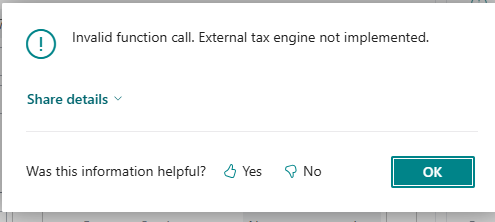
Business Central Error: Invalid function call. External tax engine not implemented.
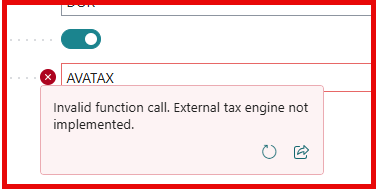
Business Central error while switching the Tax Area to Avatax.
The Issue
Someone has gone through and marked “Use External Tax Engine” on the Tax Areas table for that tax code. Uncheck that box as life will go back to normal.
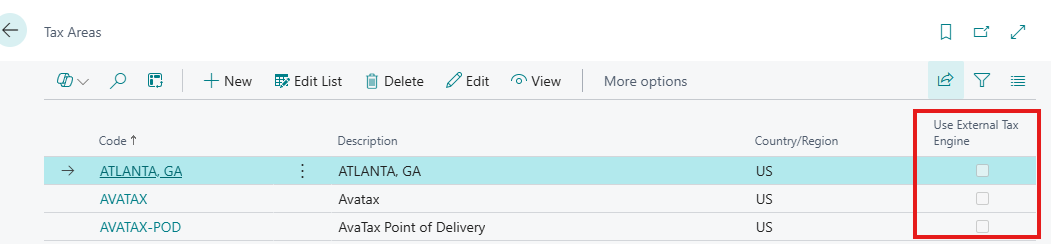
Also, an important reminder: if your partner or your Avalara implementation consultant did not have this checked it was most likely for a reason. Changing something you were not taught to change could be a costly mistake and take a lot of time/effort. If you’re not getting tax as you would expect, it’s best to ask verse to assume an incorrect setting; unless you have been told to make that change if you’re getting something odd (example: exempting a customer from tax).